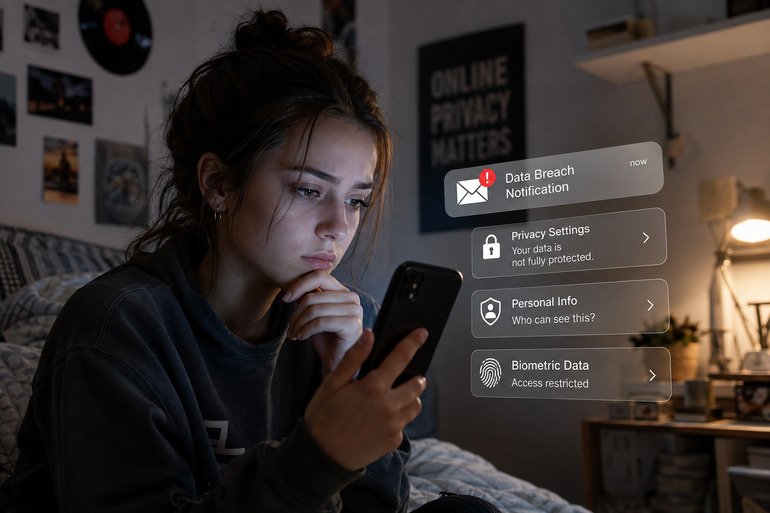



When your VPN connection is interrupted, your device may fall back to your default internet connection. If this happens without additional protection, your real IP address, DNS requests, and online activity could briefly become visible to your internet service provider (ISP), websites, or anyone monitoring the network. Even a short interruption may expose information you expected to keep private.
Why a VPN Kill Switch Matters
The best defense against accidental VPN disconnects is a kill switch. This feature continuously monitors your VPN connection. If the encrypted tunnel fails, the kill switch immediately blocks internet access until the VPN reconnects, preventing traffic from leaving your device unprotected. Once the VPN is restored, your internet connection resumes automatically.
Independent testing has shown that not every VPN kill switch performs equally well. Some VPNs may briefly leak traffic during connection failures, while others successfully block all internet access until the secure tunnel is re-established. That’s why it’s important to choose a VPN with a proven and reliable kill switch rather than assuming every provider offers the same level of protection.
How to Stay Protected
To minimize privacy risks, always enable your VPN’s kill switch if it’s available. Keep your VPN app updated, use reliable VPN protocols such as WireGuard or OpenVPN, and avoid manually disabling security features. If you frequently use public Wi-Fi or travel between networks, enabling auto-connect alongside the kill switch provides an extra layer of protection.
A VPN connection drop doesn’t automatically mean your privacy is compromised, but without a working kill switch, even a few seconds of unprotected traffic can expose more information than you realize. Choosing a trustworthy VPN with a reliable kill switch is one of the simplest ways to keep your online activity secure.