



The problem could come from your internet connection, DNS settings, browser, device restrictions, ISP, or the website itself. In some countries and networks, access to adult websites may also be restricted by law or network policy.
The best solution therefore depends on why Heavy-R is unavailable in the first place.
This guide explains how to find the cause and what you can do about it.
How Can You Access Heavy-R If It Is Blocked?
If Heavy-R works normally but is unavailable on your connection, a reputable VPN is often the most complete option. A VPN encrypts your internet connection and routes your traffic through another server, which can help when a website is restricted by your ISP or location.
Looking for a VPN to try? Proton VPN is a reputable option to consider.
Try Proton VPNHowever, a VPN will not fix every problem.
If Heavy-R itself is down, changing your IP address will not bring the website back online. Similarly, changing DNS settings will only help when DNS filtering or a DNS error is causing the problem.
For that reason, start with the checks below.
1. Check Whether Heavy-R Is Actually Down
Before changing any settings, find out whether the problem affects only you.
Try opening another website. If other websites are also failing, your internet connection may be the problem.
You can also:
- Reload the page.
- Close and reopen your browser.
- Try another browser.
- Test the site on another device.
- Switch between Wi-Fi and mobile data.
- Use a website-status checker.
Testing another connection is especially useful.
For example, if Heavy-R works on mobile data but not on your home Wi-Fi, the problem is probably related to your home network, router, DNS provider, or ISP.
If it fails on every connection, Heavy-R itself may be unavailable.
2. Check Your Browser and Device
Sometimes the website is accessible, but something on your device is stopping it from loading.
Start with simple troubleshooting.
Clear Your Browser Cache
Old cookies or cached files can occasionally cause loading problems. Clear the browser’s cache and cookies for the website, then try again.
You can also test the page in a private or incognito window.
Disable Problematic Extensions Temporarily
Ad blockers, security extensions, DNS tools, and privacy extensions can occasionally interfere with websites.
Disable extensions one at a time and reload the page to identify whether one of them is causing the problem.
Do not permanently disable security software simply to access a website.
Check Content Restrictions
Phones, computers, browsers, routers, and security applications may have adult-content filters.
For example, parental-control features can restrict access to adult websites even when the internet connection itself is working normally.
If you own and manage the device, check its content-filtering settings. If the device or network is managed by someone else, respect the restrictions they have configured.
3. Check Whether DNS Is Causing the Block
DNS stands for Domain Name System. It converts a website name such as heavy-r.com into the numerical IP address that computers use to locate the site.
Most people automatically use DNS servers provided by their internet service provider or network administrator.
In some cases, those DNS servers may:
- Filter adult websites.
- Return an incorrect address.
- Fail to resolve a domain.
- Experience temporary problems.
Using another DNS provider can help if DNS is the source of the problem.
For example, Google Public DNS uses:
- 8.8.8.8
- 8.8.4.4
Modern browsers such as Chrome and Firefox also support Secure DNS, sometimes called DNS over HTTPS.
Keep in mind that changing DNS is not a universal unblocking method. It will not solve restrictions that are applied using IP blocking, deep packet inspection, account-level controls, or other filtering systems.
It also should not be used to defeat network policies you are not authorized to change.
4. Use a VPN for ISP or Regional Restrictions
If Heavy-R works elsewhere but your internet provider or location prevents you from reaching it, a VPN may help.
VPN stands for Virtual Private Network.
A VPN creates a secure, encrypted tunnel between your device and a VPN server. Instead of connecting directly to websites, your online traffic is routed through the VPN server first.
This changes two important things.
Your ISP has less visibility into your browsing traffic
Your internet provider can normally see that you are connected to the internet and can often see the domains or services you access.
With a properly configured VPN, the ISP primarily sees a connection to the VPN server instead of your normal web traffic.
Websites see the VPN server’s IP address
Websites generally see the IP address of the VPN server rather than your normal public IP address.
If access is restricted based on IP address or location, connecting through a suitable VPN server may allow the website to load.
However, a VPN does not make you completely anonymous online. Websites can still identify users through accounts, cookies, browser fingerprinting, and other techniques.
The VPN provider also becomes an important part of your privacy model, which is why choosing a reputable service matters.
What to Look for in a VPN
Do not choose a VPN simply because it promises to “unblock everything.”
Look for a provider with:
- Modern VPN protocols such as WireGuard or equivalent technology.
- Strong encryption.
- DNS leak protection.
- A kill switch.
- A clear privacy policy.
- A wide choice of server locations.
- Good connection speeds.
- Apps for the devices you use.
- A transparent logging policy.
Free VPNs deserve extra caution. Operating a VPN network costs money, and some free services compensate through advertising, strict data limits, tracking, or other compromises.
A reputable paid VPN is generally a better choice when privacy is important.
3 Best VPNs to Unblock Heavy-R
If Heavy-R is unavailable because of an ISP or regional restriction, a VPN may help by giving you a different IP address and routing your traffic through another location.
We selected these three VPNs based on server coverage, privacy features, performance, and their ability to work on restricted networks.
Keep in mind that no VPN can guarantee access at all times, and you should only use one where VPNs and the content you access are legal.
1. Proton VPN
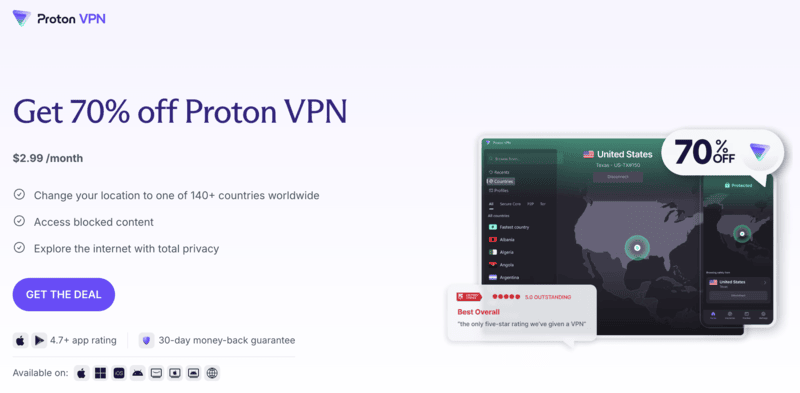
Proton VPN is our top choice for privacy-conscious users who also want plenty of server locations.
Proton VPN has more than 20,000 servers across 140+ countries, giving you plenty of options if Heavy-R is unavailable from your normal connection. Its paid plans also let you choose specific server locations, which is useful when you need to try a different country or server.
For more restrictive networks, Proton VPN offers its Stealth protocol, which is designed to make VPN traffic harder to detect.
Paid users can also use Secure Core, which routes traffic through an additional privacy-focused Proton server before reaching the final VPN location.
2. NordVPN

NordVPN is a strong choice if your internet provider or network actively blocks normal VPN connections.
It operates thousands of VPN servers across 224 locations, giving users a wide range of places to connect through. Instead of relying on one server, you can switch locations if a particular IP address is not working.
One of NordVPN’s most useful features in this situation is its obfuscated servers.
These servers are designed to disguise VPN traffic so that it looks less like a normal VPN connection. This can help on networks that attempt to detect or block VPN use.
3. Surfshark
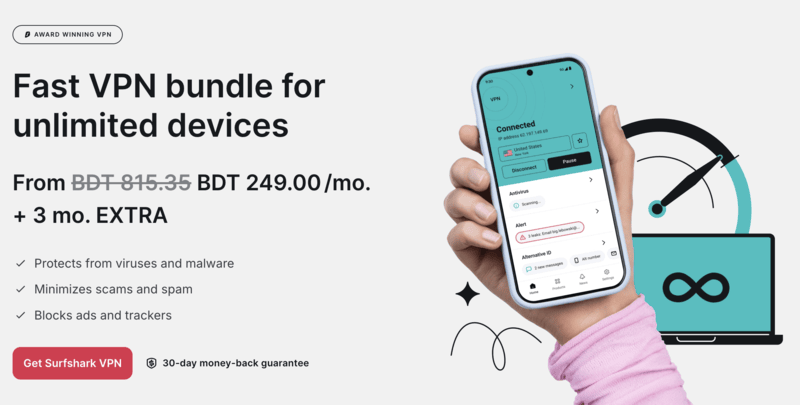
Surfshark is a good choice for households that want to protect several devices without buying multiple VPN subscriptions.
The service currently offers more than 4,500 RAM-only servers across 100+ countries, giving users plenty of locations to choose from.
Its biggest advantage is unlimited simultaneous connections. One Surfshark subscription can be used on multiple phones, laptops, tablets, and other supported devices at the same time.
Surfshark also provides features designed for restrictive networks, including obfuscation and NoBorders mode. These can be useful when a network makes normal VPN connections difficult.
Which VPN Server Should You Choose?
You usually do not need to connect to a server on the other side of the world.
Start with a server in a nearby country where the website is legally available.
A nearby server can provide:
- Lower latency.
- Faster page loading.
- Better video performance.
- Fewer connection drops.
If that server does not work, disconnect and try another server.
Websites sometimes block individual VPN IP addresses, so changing servers can make a difference.
Can You Use Tor to Access Heavy-R?
Tor can help people reach websites on restricted networks while providing additional privacy.
It routes traffic through several relays rather than sending it directly from your device to the destination.
The trade-off is speed.
Because traffic passes through several parts of the Tor network, Tor can be considerably slower than a normal internet connection or commercial VPN. That makes it less suitable for bandwidth-heavy activities such as streaming video.
Tor is therefore better viewed as a privacy and censorship-resistance tool than as a high-speed streaming solution.
What About Proxy Websites?
A web proxy sends browser traffic through another server and may sometimes open a website that is blocked on your normal connection.
However, free proxy websites come with important limitations.
They may:
- Lack proper encryption.
- Log browsing activity.
- Inject advertising.
- Break video players or scripts.
- Have slow connections.
- Be blocked themselves.
A proxy also usually protects only the traffic sent through that particular proxy rather than all internet traffic from your device.
For privacy-sensitive browsing, a reputable VPN is usually a more complete solution.
Does Google Translate Still Work as an Unblocker?
Older guides sometimes recommended entering a blocked website into Google Translate and opening the translated version.
This trick was occasionally useful for basic webpages, but it is not a reliable solution for modern websites.
Interactive features, logins, JavaScript, video players, cookies, and age-verification systems may not work correctly through a translation service.
For Heavy-R in particular, this method is unlikely to provide the same experience as opening the website normally.
Why Heavy-R May Still Not Work With a VPN
A VPN is useful, but it cannot fix every type of website problem.
Heavy-R may still fail to load if:
- The website is temporarily offline.
- The VPN server’s IP address has been blocked.
- Your browser contains old cookies.
- DNS requests are leaking outside the VPN.
- Security software is blocking the page.
- Your account or device has content restrictions.
- The website is unavailable in the selected VPN location.
- The VPN connection itself is being blocked.
If this happens, try a different VPN server, restart the browser, and confirm that other websites work through the VPN.
You can also contact the VPN provider’s support team if the problem appears to be specific to its network.
Is It Legal to Use a VPN to Access Heavy-R?
VPNs are legal in many countries, but laws differ around the world.
The fact that a VPN can technically reach a website does not mean accessing that website is legal where you live.
Adult-content laws have also changed in several jurisdictions, including rules around age verification and access to certain types of material.
Always follow your local laws and the terms that apply to the service you are using.
A VPN should be used as a privacy and security tool, not as a way to ignore legal requirements.
The Conclusion
If Heavy-R is not working, first determine what is actually causing the problem.
Start by testing another browser, device, and internet connection. Check your device and network restrictions, then investigate DNS if the domain appears to be filtered.
If the website is available but your ISP or region is preventing access, a reputable VPN can provide an encrypted connection and a different public IP address where its use is permitted.
Avoid relying on old tricks such as Google Cache or Google Translate. They either no longer exist in their previous form or do not work reliably with modern video websites.
Most importantly, remember that no VPN can fix a genuinely offline website and no privacy tool removes the need to follow local laws and age requirements.



2 Comments
Jerome
August 7, 2026+1 for Surfshark! Pretty reliable from what I can tell after three weeks using it.
perry m hibbs
August 7, 2026Is there a free fik for blocked sites ??